
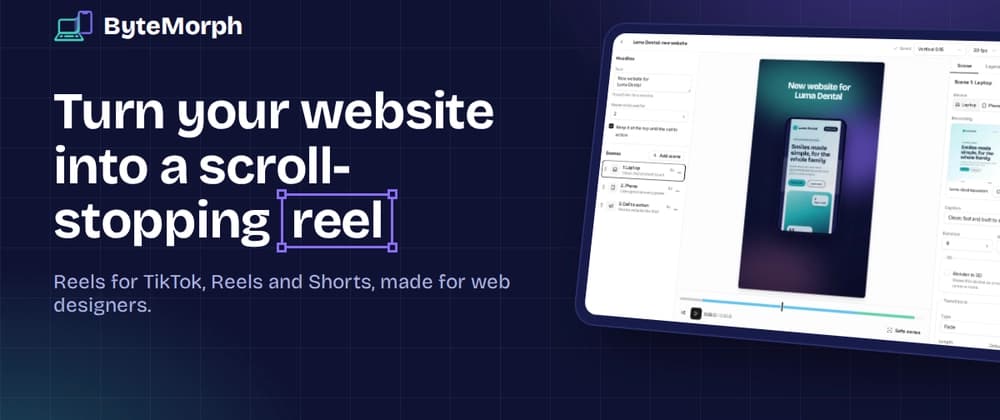
I build websites for clients. A few weeks ago I finished one I was really proud of and wanted to show it off on TikTok.
The options were not great. A raw screen recording looked flat. Mockup tools were built for static images. Video editors meant an hour of keyframes for a 20 second clip.
The idea was simple. Play the desktop recording inside a laptop, morph the laptop into a phone, switch to the mobile recording, and end on a call to action.
The first version used DOM elements and CSS-style animation. A laptop frame was just a div with a dark border, the screen was a element, and the morph animated width, height and border-radius from laptop proportions to phone proportions while crossfading the two videos.
To get a video out of a web page, my first approach was screen capture: getDisplayMedia, crop to the frame with Region Capture, and record with MediaRecorder.
The result was soft and smeary. The reason is obvious in hindsight: you can only capture what is on the screen. A 1080 x 1920 vertical frame on a normal laptop screen is displayed at roughly 600 x 1080 pixels. The recording is scaled back up for phones, and everything goes soft. Tab capture also compresses on the fly.
Instead of recording what the browser displays, I render every frame myself onto a full-size canvas and encode it directly.
That meant moving the whole animation from DOM to a of exactly 1080 x 1920, and writing it as a pure function of time:
This one decision unlocked everything else. If draw(t) always produces the same frame for the same t, then preview and export are guaranteed to match. The preview runs it in requestAnimationFrame. The export runs it frame by frame, as fast or slow as the encoder needs.
Since every value is calculated from t, I needed easing functions I could call directly. A small cubic-bezier solver does the job:
Bisection instead of Newton's method is a little slower but never misbehaves, and at 24 iterations it is more precise than any screen can show.
Chrome and Edge ship VideoEncoder, which encodes H.264 in the browser, often with hardware acceleration. Each frame becomes a VideoFrame straight from the canvas:
A few lessons from this part: Check codec support first. VideoEncoder.isConfigSupported() tells you whether a codec string works on the user's machine. 60 fps at 1080 x 1920 needs a higher AVC level (avc1.64002A) than 30 fps does. Always close frames. Forget frame.close() and memory climbs fast. Respect back-pressure. Without the encodeQueueSize check, a fast canvas can queue hundreds of frames.
VideoEncoder only gives you encoded chunks, so you still need a muxer to wrap them in an MP4 file. I used mp4-muxer, which is tiny and did exactly what I needed. If you are starting today, its author now maintains a successor called Mediabunny that is worth a look.
The reel contains the user's own screen recordings. For a frame-perfect export, each recording has to show exactly the right frame at time t, so I seek before drawing:
Seeking every frame is slower than playing, but it is deterministic, and that matters more than speed for an export.
Two gotchas cost me time: Cross-origin video taints the canvas. Once a tainted canvas is drawn, you cannot create a VideoFrame from it. All media is served from the same origin as the app. Seeking needs HTTP Range support. Without Range requests, the browser has to download the whole file to seek. The media route streams partial content with a proper 206 response.
Desktop recordings are wide (mine was 1908 x 868) and phone recordings are tall. The first version used fixed device sizes, so recordings were cropped.