
Tell people who you are. A homepage, an About page, a list of services, a contact form, and perhaps a few photographs were enough.
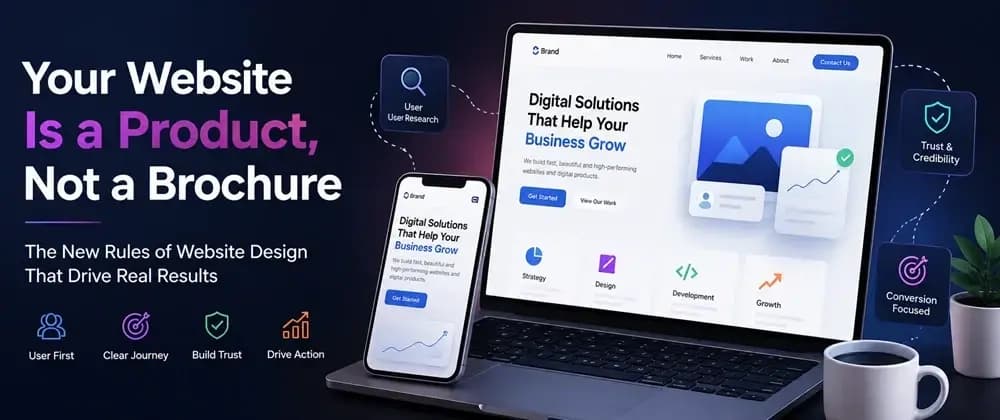
In 2026, a website is not simply a digital brochure sitting on the internet. It is a product people interact with.
Visitors search, compare, navigate, filter, watch, read, calculate, submit forms, request quotes, make purchases, start conversations, and decide whether they trust a business-all without speaking to anyone.
A good website today needs to combine brand strategy, UX, content, engineering, performance, accessibility, SEO, analytics, and conversion design.
Maybe the page took too long to load. Maybe you couldn't figure out what the company actually offered. Maybe the navigation was confusing. Maybe the mobile experience felt broken. Maybe there were five different calls to action competing for attention.
A website is an interface between a business and its audience. Every interaction either reduces friction or creates it.
The team chooses a hero image, adds a headline, creates some cards, adds animations, and eventually asks what the rest of the site should contain. Reverse the process.
A visitor arriving from Google may want an answer. Someone coming from an advertisement may want to compare an offer. A returning customer may be looking for support. A potential B2B client may want proof before requesting a meeting.
These users should not necessarily experience the same journey. A useful starting model is:
Search query ↓ Relevant landing page ↓ Clear explanation ↓ Proof / case study / credentials ↓ Specific CTA ↓ Lead, enquiry, purchase, or conversation
In fact, for many businesses, important service and product pages are more commercially valuable than the homepage because they match specific search intent.
You don't build a large application by throwing components together and hoping they work.
The same principle applies to websites. Before development begins, define: Information architecture URL structure Navigation hierarchy Content relationships Reusable components Conversion paths Internal linking Data requirements CMS structure
Home ├── Services │ ├── Branding │ ├── Website Development │ └── Digital Marketing ├── Work │ ├── Case Study A │ ├── Case Study B │ └── Case Study C ├── Insights └── Contact
A branding service page should connect to relevant case studies. A case study should connect to the service used. An article should support a service topic. Related pages should reinforce the same subject without creating unnecessary duplication.
This is where UX, SEO and content strategy become one system rather than separate tasks.
Semantic HTML provides structure that browsers, search engines, assistive technologies, and developers can understand.
Accessibility technologies can understand it more reliably. Search engines can better interpret page structure. Developers can maintain the code more easily.