
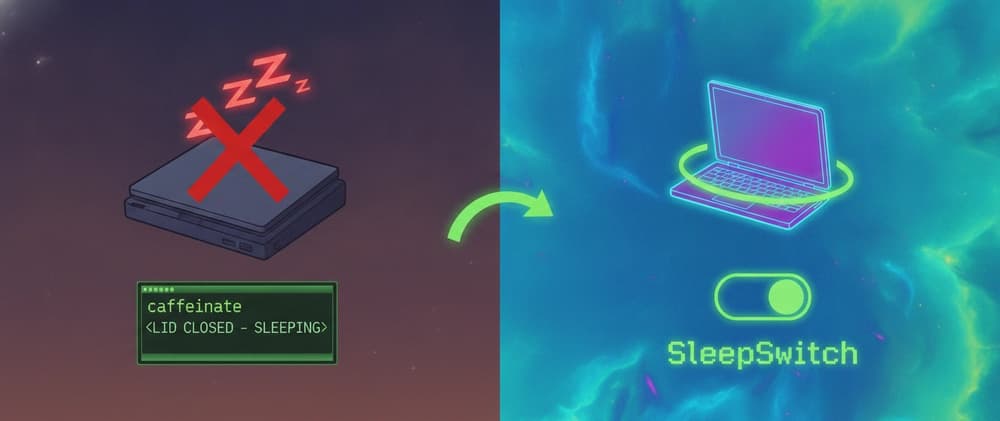
SleepSwitch is a macOS menu bar toggle that stops your Mac from sleeping — lid closed included. One click, no password prompts, and a battery guard so you don't cook your laptop in a bag.
You kick off a long agent run — Claude Code refactoring half a service, Codex grinding through a test suite, some pipeline that's going to take 40 minutes. You close the lid and walk away.
You come back to a session that died somewhere in the middle. Half the edits applied. The agent's context gone. Whatever it was in the middle of writing, gone with it.
The standard answer is caffeinate -dimsu. It works — right up until you close the lid, at which point the Mac sleeps anyway.
Lid-close sleep is a separate setting, it lives behind sudo, and no user-level assertion touches it:
So the real workflow becomes: remember the flag, type your password, remember to turn it back off later, and — the fun part — forget once, drop the laptop in a bag, and it runs hot in there until the battery is flat.
I got tired of that loop and wrote SleepSwitch. One menu bar icon, one click, both layers at once.
| Icon | Meaning | |---|---| | 🌙 | Normal — your Mac sleeps as configured | | ☕️ | Mode on — sleep fully blocked, lid included | | ⚠️ | Partial — idle sleep blocked, but the lid still sleeps |
Left click toggles. Right click is the menu — launch behaviour, login item, updates, the sudo rule.
Close the lid with the mode on and you get a muted porcelain tone; open it and a higher one. Enough to confirm the machine stayed awake without opening anything to check.
This started as a "keep the build running" utility. Then AI coding agents happened, and it turned out they're the worst possible workload for macOS power management: They run long. A serious agent session is tens of minutes of tool calls, not a 30-second command. They look idle to the OS. The heavy lifting is on a remote API. Your Mac is waiting on network I/O with no keyboard, no mouse, no display activity. macOS sees a machine nobody is using. They fail badly, not gracefully. A dropped SSH session you just reconnect. An agent halfway through a multi-file edit leaves you diffing to figure out what actually landed. The natural instinct is to close the lid. You started the run precisely so you could go do something else.
So: hit the switch, close the lid, come back to a finished run. Same for npm run build on a monorepo, a long download, a render, an SSH session you need to survive lunch.
| Layer | Blocks | Needs root | |---|---|---| | pmset -a disablesleep 1 | Lid-close sleep, and all sleep | Yes | | PreventUserIdleSystemSleep assertion | Idle sleep | No | | PreventUserIdleDisplaySleep assertion | Display turning off | No |
The IOKit assertions are held by the process, so they evaporate the moment the app dies — they can't get stuck. The pmset setting is different: it's a system setting that outlives the process. So the app clears it on quit, on SIGTERM, and reports the real state at launch by reading SleepDisabled straight from IOPMrootDomain rather than trusting its own memory of what it did.
pmset disablesleep needs root, and prompting on every toggle makes the whole thing pointless. So the installer writes /etc/sudoers.d/sleepswitch:
Two commands, no wildcards. sudo matches arguments exactly, so this grants "toggle one sleep setting" and nothing else — pmset -a sleep 0 still asks for a password.
The rule is written, validated with visudo and installed entirely as root inside a mode-0700 temp directory, so there's no user-writable file to swap in between the check and the install. The username is validated before it reaches sudoers, and only an account in the admin group gets it.
Don't want it? Untick the box at install time, remove it later from the menu, or: