
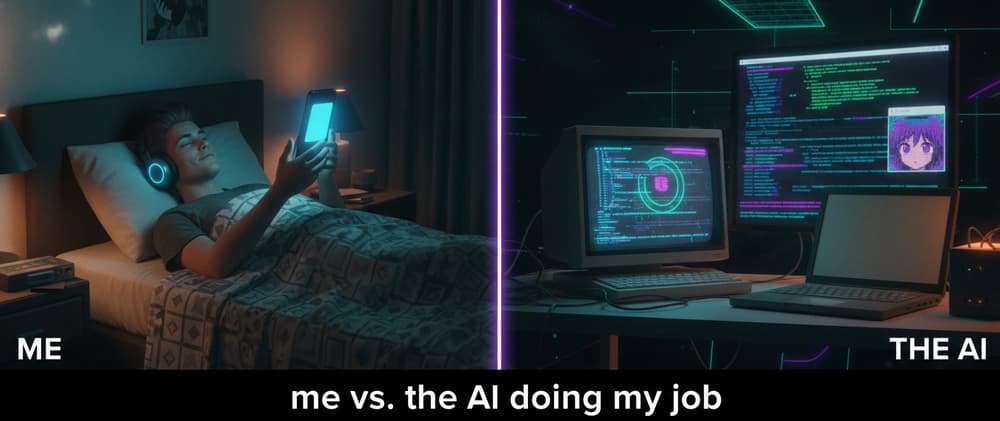
Let me say something uncomfortable up front, and then I'll prove it with a story:
If you build things for the internet and you're still not using AI to do it — you're going to be in trouble. Not "someday." Soon.
I didn't believe this either. Then I watched an AI do two days of my work in 40 minutes while I lay in bed scrolling reels. Let me explain.
I build a little Chrome extension called Intro Skipper. Exactly what it sounds like — it auto-skips the intros on Netflix, Hotstar/JioHotstar, and Crunchyroll so you never have to reach over and hit "Skip Intro" again. (It started as a dumb late-night idea between two lazy friends, but that's a story for another post.) Today, 350+ people use it every day.
Crunchyroll doesn't just have an intro. It has an intro, a recap, and credits — and unlike the others, it doesn't even offer an auto-skip for credits. So I had to handle three separate skips.
On Netflix and Hotstar, the "Skip Intro" button just pops up on its own while you watch. Easy — my extension sees it, clicks it, done. On Crunchyroll? The button is hidden. It only appears when the player controls appear… and the controls only appear when you move your mouse. No mouse movement, no button. No button, nothing to click.
So my problem was, essentially: how do I click a button that refuses to exist unless I wiggle the mouse?
At the time, I was building with GitHub Copilot. Its solution was… creative. It made the extension fake-hover over the video so the controls would appear, then click the skip button when it showed up.
And it worked! Sort of. The catch: to reveal the button, it had to keep the controls visible — so now you're trying to enjoy an anime with the seekbar and buttons flickering on screen the entire time. Not exactly cinematic.
I asked it to fix that. It did… kind of. After that, the extension worked sometimes. Other times it just didn't. Only on Crunchyroll. Every anime night became a coin flip.
Then two things happened: Crunchyroll tweaked their player again (breaking my flaky fix even more), and I finally bought a Claude Code subscription.
So one night, I decided to settle it. I opened Claude Code and gave it basically one prompt:
"Here's my extension. Crunchyroll skipping is broken and it shows the controls while watching, which is annoying. Go check how the player actually works on a real anime, then fix it."
I used Opus 4.8 in max thinking mode. And then I watched something slightly unsettling happen.
It thought for a while. Then it read through my entire codebase. Then it found the actual pain point. Then — and this is the part — it opened a browser tab, went to Crunchyroll, played an anime, and watched it play 2–3 times to see exactly how the player behaved. Then it wrote the fix.
Total time: about 30–40 minutes. My contribution during those 40 minutes? Lying in bed, scrolling reels. 🛌📱
Both me and Copilot were stuck trying to click the button. Hover → reveal controls → click → repeat. Fighting the UI like idiots.
Claude didn't do that. It figured out that Crunchyroll exposes the exact skip timestamps through its own public data endpoint (.../skip-events/production/.json → intro, recap, credits, all with precise start/end times). So instead of clicking anything, it just reads those timestamps and seeks the video past each segment — literally the same thing Crunchyroll's own Skip button does internally.