
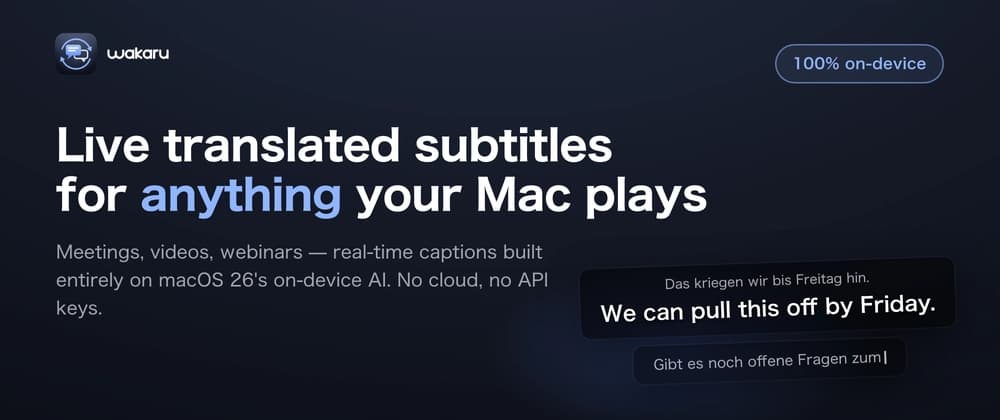
I work at a German company. Meetings are in German, sometimes English — and even though I speak both, there are moments in fast meetings where I zone out for two seconds and think: wait, what did they just say?
I couldn't use any of the existing captioning tools, because they all pipe your meeting audio to a cloud server. Sending confidential work calls to a third party was a non-starter.
Then I realized something: macOS 26 quietly shipped every building block you need for a real-time translator. On-device speech recognition (SpeechAnalyzer), on-device machine translation (Translation framework), and an on-device LLM (FoundationModels / Apple Intelligence). No servers, no API keys, no per-minute fees.
So I built Wakaru — a menu bar app that turns any audio playing on your Mac into movie-style translated subtitles, in real time.
TL;DR 🎬 Live translated subtitles for anything your Mac plays — Teams, Zoom, YouTube, webinars, podcasts 🔒 100% on-device. Your audio never leaves your Mac. No account, no API keys, no cloud 🌍 Recognizes 10 spoken languages, subtitles in 22 🧠 Optional high-accuracy mode using the on-device Apple Intelligence LLM ⚡ Built entirely with Apple's native frameworks — zero external dependencies, ~3,000 lines of Swift
This post covers how it works and the four gotchas that cost me the most time. If you're planning to build anything on macOS 26's new speech or translation APIs, this might save you a few days.
My first prototype was Electron. It worked — but transcription + translation took about 2 seconds per sentence. For subtitles, 2 seconds might not sound like a lot, but it is: by the time the caption showed up, the conversation had moved on.
When I saw that macOS 26 had the entire pipeline available natively and on-device, I rebuilt it in Swift. The difference was dramatic — captions now appear while the sentence is still being spoken.
(The Electron version wasn't wasted, though. After a lot of tuning it got reasonably fast, and I'm planning to release it for Windows soon.)
The key decision: capture system audio (what the Mac is playing) instead of the microphone. That's what makes Wakaru app-agnostic — it doesn't integrate with Zoom or Teams; it doesn't need to know they exist.
The subtitles are drawn on a borderless, transparent, click-through NSPanel, so you can click straight through the captions to whatever is underneath.
The naive version of this app is a window where original text and translations pile up like a chat log. That's easy to build — and unusable as subtitles.
What I ended up with: Don't translate while a sentence is still forming. I initially translated the live transcription in real time. For a verb-final language like German, the translation reshuffled itself on every update — completely unreadable. Now Wakaru waits until a sentence (or a long clause) is complete, then translates it exactly once. Caption lifetime scales with reading speed. Each caption stays on screen for text.count / 7 + 2 seconds (clamped to 4–12s). Short interjections vanish quickly; long sentences stay until you can actually finish them. Every caption gets a minimum of 2.5 seconds, even when someone is talking fast — new captions queue up instead of instantly evicting the old ones.
SpeechAnalyzer prefers 16 kHz audio. My first version captured at 48 kHz and resampled with AVAudioConverter — and the first caption took seconds to appear. The converter buffers audio internally before it emits anything.
Capture at 16 kHz mono from the start and the only conversion left is Float32 → Int16, sample by sample. The latency disappeared.
Even after fixing the sample rate, captions were still sluggish. It turned out to be three separate problems: Reporting cadence. By default, SpeechAnalyzer batches up partial results and delivers them in bursts, seconds late. Pass .fastResults in reportingOptions to get them as they happen. For live captions this is non-negotiable. Lazy model loading. The recognition model is big, and by default it loads when the first audio arrives — so your first caption is seconds late. Call prepareToAnalyze when the user hits start, and recognition is instant from the first word. Slow shutdown. Stopping with finalizeAndFinishThroughEndOfInput() drains the entire audio backlog before returning — a stop/restart (e.g. switching languages) took seconds. For subtitles you don't care about queued audio, so use cancelAndFinishNow().
SpeechAnalyzer's partial results don't just grow at the end. Text you already displayed gets rewritten retroactively — filler words ("uh, uh") get collapsed, words get swapped, punctuation appears late.
Wakaru cuts completed sentences out of the growing transcript and translates each one. That means it has to remember where the already-translated part ends. If you store that boundary as a character offset, it silently drifts every time the recognizer rewrites history. The symptoms: the same sentence gets translated twice, or fragments go missing.