
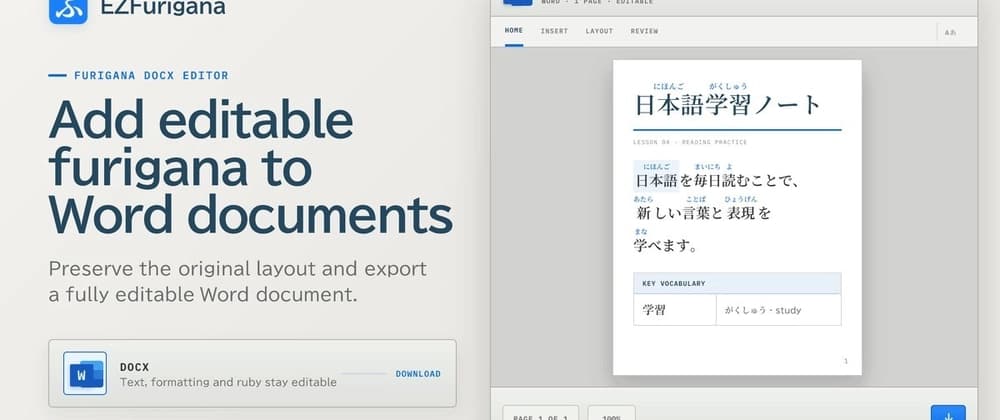
Adding furigana to a Word document sounded like a small extension to EZFurigana.
Furigana are the small pronunciation guides that appear above Japanese kanji. I read Japanese myself, and I still run into kanji that I cannot read immediately. Adding furigana manually in Microsoft Word is fine for a few words. On a longer document, it gets tedious very quickly.
So I wanted EZFurigana to accept a Word document and return it with furigana automatically added.
My initial mental model was: Open the DOCX. Find the Japanese text. Generate the readings. Save the file.
A DOCX file is not what it seems. It's not one document, but rather a ZIP package containing XML files, styles, images, fonts, scattered into many pieces which are glued together.
One option would have been to extract all the text, add furigana, and build a new Word document.
The people who invented the DOCX file, however, didn't want people's lives to be easy.
A Word document can contain tables, hyperlinks, images, and structures that are difficult to understand. Rebuilding the document would mean recreating all of them correctly.
Instead, EZFurigana modifies the existing Word document and leaves everything else alone. It changes only document.xml, the part containing the document's main content, while preserving the rest of the file as it is.
That sentence may be split across several runs, which are separate elements containing pieces of text.
A formatting change can create a new run. So can hyperlinks, tables, images, and anything else Word lets you add. Word has been secretly slicing your sentences the whole time.
That makes this kind of operation unsafe: find "東京駅" replace it with annotated "東京駅"
So EZFurigana keeps track of where each piece of text came from before changing anything. If the text crosses parts of the document that are too risky to rewrite, it simply leaves it alone.
This isn't perfect. But I would rather miss some furigana than fail to glue all the pieces back together.
Microsoft Word has native support for ruby, which is the general term for annotations such as furigana.
Internally, Word represents it with structures such as w:ruby, w:rubyBase, and w:rt.
EZFurigana lets users review generated readings and correct them, so I needed some way to display the modified document before download.
Browsers do not understand Word documents natively. Something has to reconstruct the margins, fonts, spacing, and all the other pieces, then somehow apply the secret glue that makes it look like Word again. modified DOCX LibreOffice PDF preview pages