
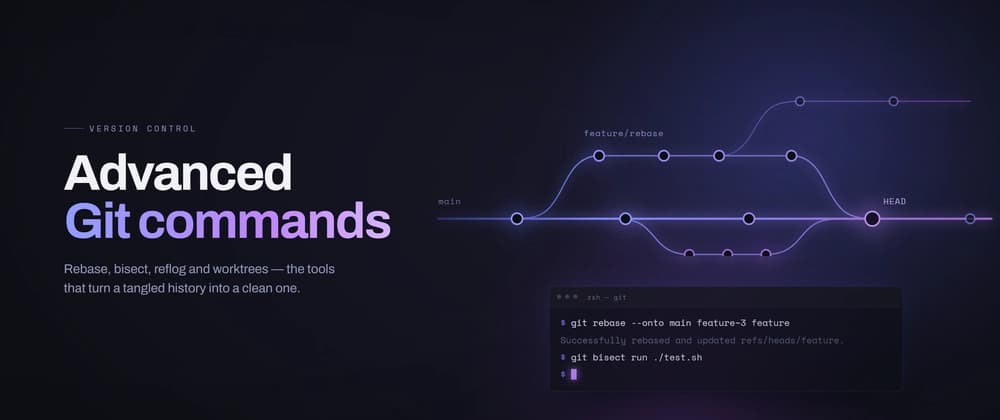
The developers who move fast — the ones who never lose work, never ship an ugly history, and never panic when a rebase goes sideways — all quietly share the same toolbox. It's not senior "Git magic." It's about 15 commands you can learn in an afternoon and lean on for the rest of your career.
I teach backend developers over at AS Backend Institute, and if I had to name one skill that predicts seniority without touching a single line of application code, it's Git fluency. So here are the 15 I actually reach for every week — with the gotchas nobody warns you about. git switch and git restore — stop using checkout for everything
For years checkout did two unrelated jobs: switching branches and throwing away file changes. That overloading caused real accidents. Modern Git split it:
Gotcha: git restore permanently discards uncommitted changes. There's no undo. Reach for it deliberately. git add -p — commit like a surgeon
Changed five unrelated things in one file? Don't dump them into one commit. Stage hunks:
Git walks you through each change: y (stage), n (skip), s (split further), e (edit the hunk by hand). This one habit is the difference between a readable history and a "misc fixes" graveyard. git commit --amend — fix the last commit, not your dignity
Gotcha: amend rewrites the commit (new hash). Fine locally. If it's already pushed, you'll need a force push — see #13. git commit --fixup + --autosquash — amend an old commit
This is the professional move most people never learn. Your fix lands exactly where it belongs, automatically. git rebase -i — the history editor
Interactive rebase lets you reshape recent commits: reword, squash, fixup, drop, edit, and reorder — just by editing a list.
Turn add validation → fix validation → actually fix it into one clean Add form validation. Rule: only rewrite commits nobody else has pulled. git stash — park work without committing junk
Gotcha: without -u, brand-new untracked files stay behind. Always name your stashes — "future you" won't remember what stash@{3} was. git cherry-pick — grab one commit, not the whole branch
You need one commit from another branch — a config fix, a hotfix — nothing else:
Perfect for porting a single fix onto a release branch. git bisect — binary-search the commit that broke it
Bug appeared "sometime in the last 200 commits"? Don't guess. Let Git find it in ~8 steps:
Git runs your test on each midpoint and finds the breaking commit on its own. The first time you see this work, it feels illegal. git worktree — two branches, two folders, one repo
The best-kept secret for context switching. Instead of stashing your feature to fix a prod bug, check the other branch out into a separate folder:
No stashing, no rebuild churn, no lost train of thought. git log -S and git log -L — detective mode
The "pickaxe" (-S) has ended more "who wrote this and why" arguments than any meeting ever will. git blame -w -C — line-by-line history, done right